How to Get a Stablecoin-Backed Debit Card
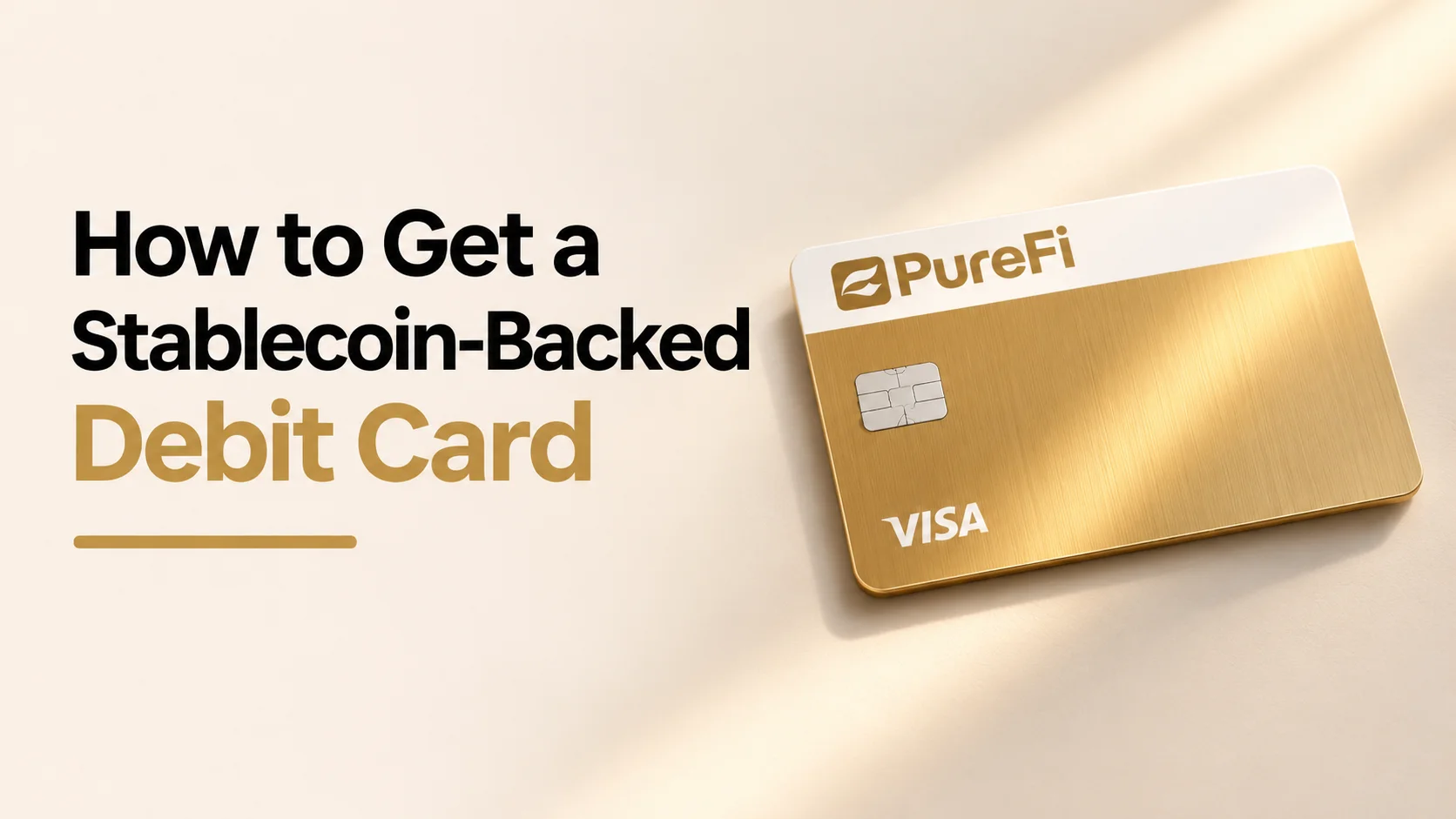
To get a stablecoin-backed debit card, choose an eligible provider, open an account, verify your identity, add a supported balance and order the card. The exact process depends on your country, supported assets and whether you want a virtual or physical card.
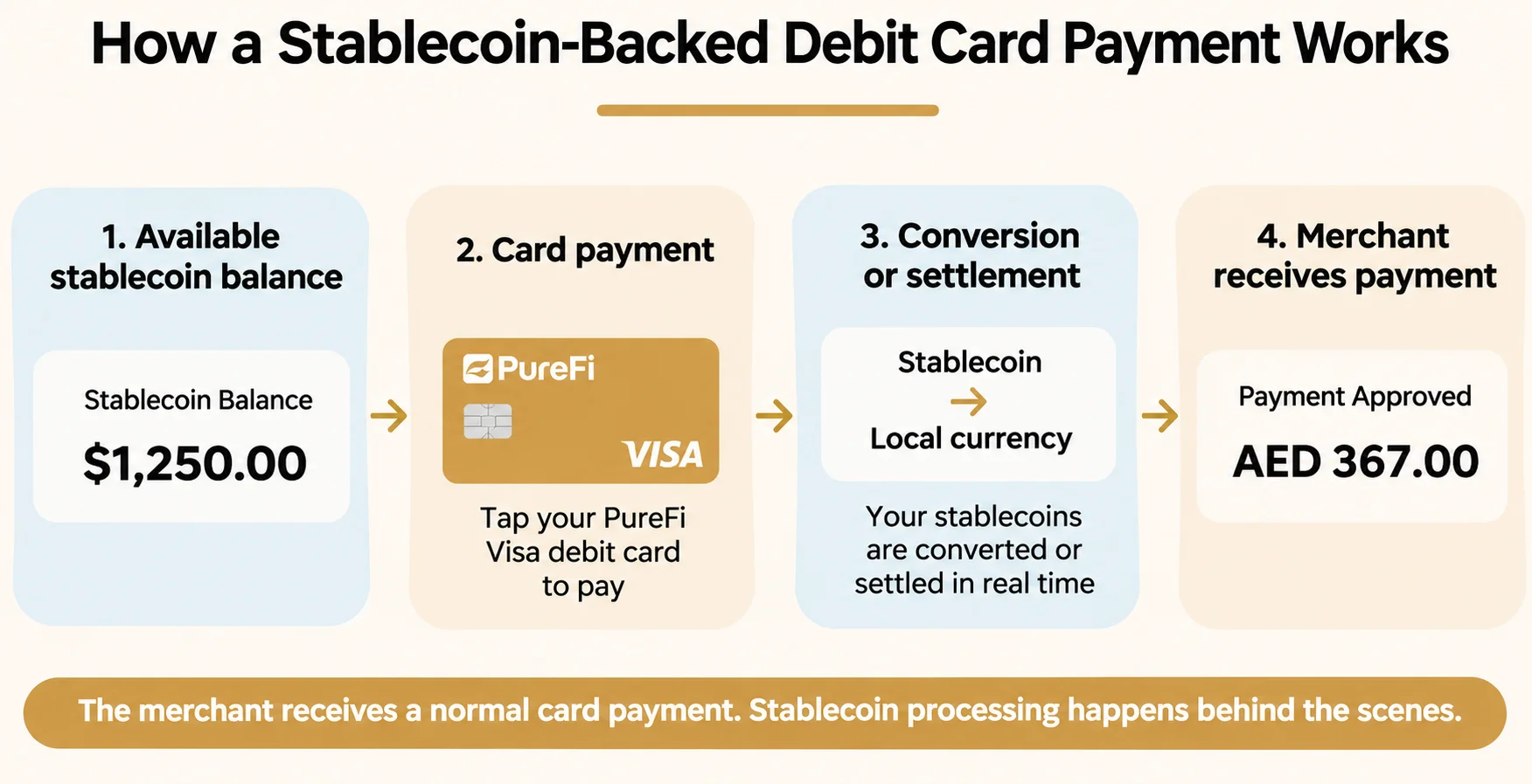
At checkout, it works much like another debit card. The program checks the linked balance and handles conversion or settlement so the merchant receives a normal card payment.
PureFi stablecoin Visa debit cards are coming soon. Here is how to join the list and prepare.
What Is a Stablecoin-Backed Debit Card?
A stablecoin-backed debit card connects a payment card to a digital balance designed to track a currency, usually the US dollar.
When a payment is made, the provider checks the available balance and reserves the purchase amount. Conversion or settlement happens through the card program. The merchant receives a standard card payment and does not need a crypto wallet.
Unlike a credit card, it spends an existing balance. Some prepaid cards require a separate reload.
PureFi’s planned card will spend directly from the available PureFi balance. Separate card preloading will not be required.
What Do You Need Before Applying?
Requirements vary, but most providers ask for:
- Residence in a supported country
- A mobile number and email address
- Government-issued identification
- Personal information for identity verification
- An eligible funding method
- A supported stablecoin or dollar balance
- A compatible phone for the provider’s app
Card availability can be narrower than general account availability. A digital savings platform may support accounts in a country without offering cards there.
Step 1: Choose a Stablecoin Card Provider
Check which company operates the card, which bank issues it and which payment network it uses. These roles affect acceptance, disputes and account terms.
Compare the following before applying:
- Supported countries
- Supported stablecoins and blockchain networks
- Virtual and physical card options
- Card, monthly and annual fees
- Conversion and foreign exchange charges
- ATM availability
- Cashback or other rewards
- Spending and withdrawal limits
- Card controls and fraud support
Cashback may be offset by conversion, withdrawal or foreign exchange costs.
Read the cardholder agreement and fee disclosure. The Consumer Financial Protection Bureau recommends checking all prepaid-card fees and whether funds qualify for deposit insurance.
Step 2: Create and Verify Your Account
Providers normally verify a cardholder’s identity before issuing a virtual or physical card.
The application may request:
- Legal name and date of birth
- Residential address
- Government-issued ID
- A selfie or facial scan
- Taxpayer information where required
- Information about the source and expected use of funds
The submitted name and address should match the identification documents.
PureFi app users join the waiting list automatically. The planned order process will use the identity already verified through PureFi.
Step 3: Check Supported Stablecoins and Networks
A provider may support a stablecoin on one blockchain but not another. The network matters as much as the asset name.
Before transferring anything, confirm:
- The exact stablecoin name and issuer
- The supported blockchain network
- The correct deposit address
- Minimum deposit requirements
- Network or gas fees
- Whether the card spends that asset directly or converts it first
USDC and USDT are common dollar-linked stablecoins. PureFi uses these and other US dollar stablecoins across parts of its platform, but has not confirmed the card’s final supported list.
An asset supported elsewhere in the PureFi app may not automatically be card-spendable.
For more on reserves, price stability and issuer risk, read Are Stablecoins Safe?.
Step 4: Add Money to the Available Balance
Funding methods can include bank transfers, card payments, stablecoin transfers or currency conversion.
Check the network before sending. An unsupported transfer can be delayed or difficult to recover. Confirm the address, minimum and fee.
PureFi’s planned card will spend directly from the available balance without separate preloading. PureFi Earn is different: it holds shares of rented homes separately. The card will not automatically sell or spend those shares.
The guide to how stablecoins reduce transaction costs explains why blockchain-based transfers can use different routes from conventional bank payments.
Step 5: Choose and Order the Card
Providers may offer virtual, physical or metal cards across free and paid tiers. Check eligibility and recurring costs first.
PureFi plans to offer four tiers:
- Basic: The standard card for users who complete identity verification
- Gold: A gold metal card with higher rewards and additional features
- Obsidian: A heavy black metal card with premium travel and account benefits
- Invite-only: A limited tier with private benefits and additional qualification rules
The public cards page displays Basic, Gold and Obsidian. Pricing will be announced before ordering opens.
Eligible users will order through the PureFi app. A virtual card is planned after approval, with a physical card on request. Delivery timing remains unannounced.
Step 6: Activate and Secure the Card
After receiving a card, activate it in the app. Set the PIN, alerts, limits and available online or overseas controls.
PureFi’s card specification plans to provide:
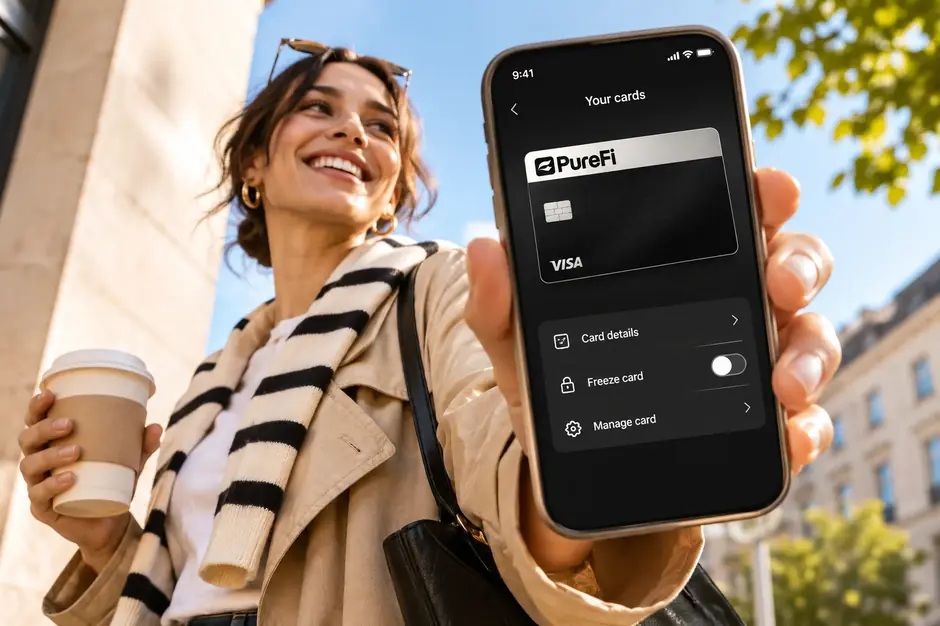
- Card details inside the app
- In-app freezing and unfreezing
- Instant replacement with a new card number
- Purchase alerts and activity records
- Optional blocks for alcohol, gambling and adult merchants
- Receipts for purchases, pending holds, refunds and cashback
The specification includes Apple Pay and Google Pay, but the public page says support will be confirmed at launch.
Step 7: Make a Purchase
Once active and funded, the card can be used in stores, online or through a supported mobile wallet. The program verifies and reserves the purchase amount.
Visa explains that stablecoin conversion or settlement can happen behind the scenes. The merchant sees a normal Visa transaction rather than an on-chain payment.
Hotels, car-rental companies and petrol stations may place temporary holds above the final bill. That amount remains unavailable until released.
PureFi plans to show live purchases, pending holds, refunds, cashback and receipts in the app.
What Fees Should You Check?
Possible costs include:
- Card issuance or delivery
- Monthly or annual membership
- Stablecoin conversion spreads
- Foreign exchange charges
- ATM withdrawal fees
- Blockchain network fees
- Card replacement fees
- Merchant surcharges
A free card may still have transaction costs. Overseas exchange rates can also change the final amount.
PureFi’s public pricing for Basic, Gold and Obsidian will be announced on reveal day. Users should review the final fee schedule and cardholder agreement before ordering.
The guide to foreign transaction fees explains how overseas card charges can be added to a purchase.
Are Stablecoin-Backed Debit Cards FDIC Insured?
A Visa logo does not make a stablecoin balance FDIC insured. FDIC insurance applies to eligible deposits at insured banks, not stablecoins issued by non-bank companies. Check who holds the balance and what happens if a provider fails.
Also review the rules for unauthorized transactions, lost cards and disputes. Card protection and deposit insurance are different.
PureFi is not a bank. PureFi balances are self-custodial and are not FDIC insured or guaranteed by PureFi. Lead Bank will issue the planned card, but that does not turn the PureFi stablecoin balance into an FDIC-insured bank deposit.
How to Get a PureFi Stablecoin Debit Card
The PureFi cards have not launched yet, but users can prepare now:
- Download the PureFi app on iPhone or Android.
- Create an account and complete identity verification.
- The app automatically adds the user to the card list. There is no separate waiting-list form.
- Wait for PureFi to confirm availability in the user’s country.
- Review the available tiers, pricing and cardholder agreement.
- Order the selected card through the app when ordering opens.
- Add money to the available PureFi balance before spending.
PureFi has not announced a launch date. The company will also confirm delivery times, final supported stablecoins, public pricing and Apple Pay or Google Pay support closer to launch.
Visit the PureFi cards page for the latest launch information.
The Bottom Line
Getting a stablecoin-backed debit card is similar to opening another digital payment account. Choose a provider, verify your identity, confirm the supported stablecoin and network, fund the available balance, review the fees and activate the card.
Check who issues the card, how conversion works, which protections apply and what overseas or ATM use costs.
PureFi cards are coming soon. Anyone with the PureFi app will be added to the list automatically, and card ordering will take place through the app when the service launches.
Be first in line for a PureFi card
PureFi stablecoin Visa debit cards are coming soon. Download the PureFi app now and you will automatically be added to the list, with no separate form. When cards arrive, you will be able to order through the app and spend from your available PureFi balance wherever Visa debit is accepted.
The Prepaid Debit Visa Card is issued by Lead Bank under licence from Visa U.S.A. Inc. Bridge Ventures LLC is the program manager, and PureFi is the platform provider. Applicants must be 18 or older. Fees, eligibility and availability may vary. PureFi is not a bank, and PureFi balances are not FDIC insured or guaranteed by PureFi.