
Help/Update the address on your account details
Update the address on your account details
Your account details carry your home address. If you move, change it here and the new address shows wherever your account details appear.
-
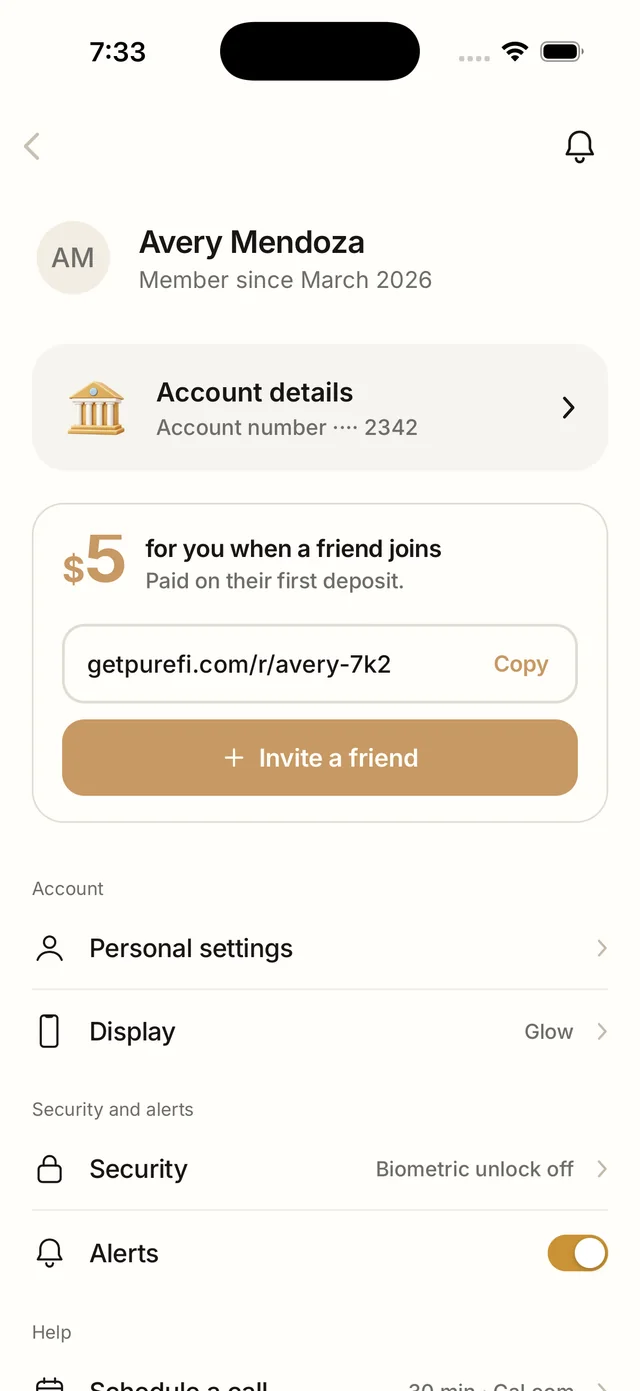
Open Profile by tapping your initials at the top of Home, then tap Account details.
-
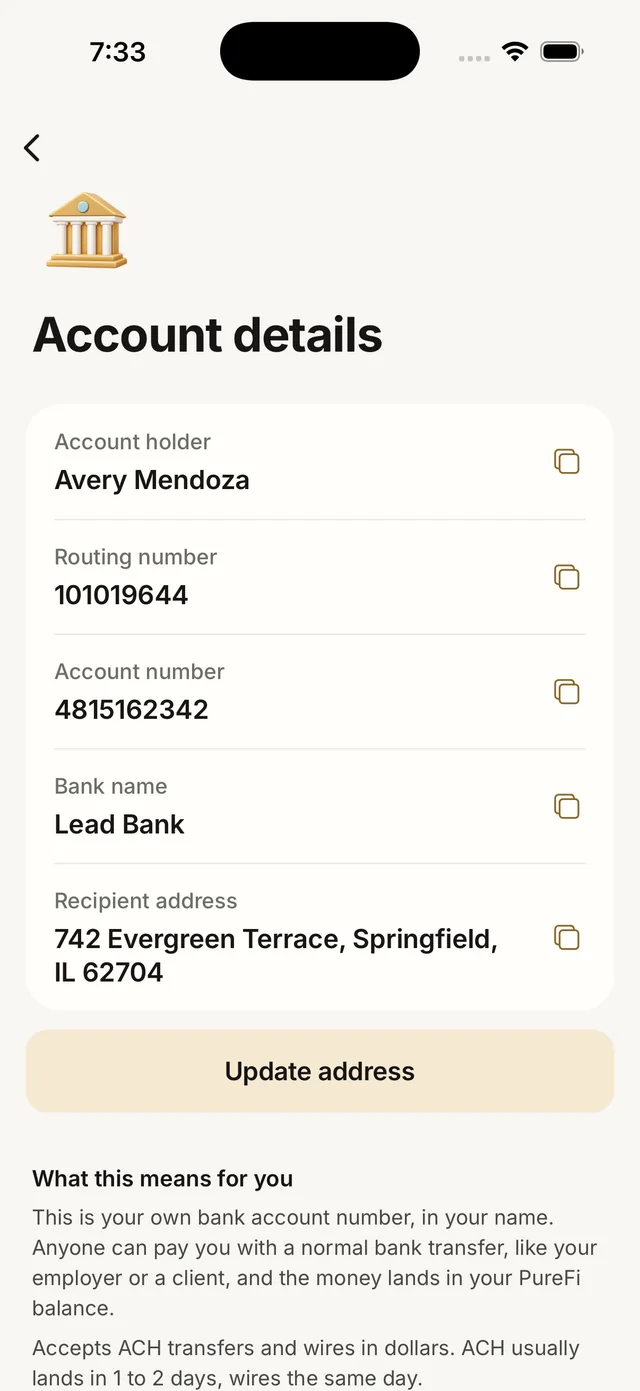
Scroll past your account number and tap Update address.
-
Enter your new street address, city, state and ZIP, then tap Save address.
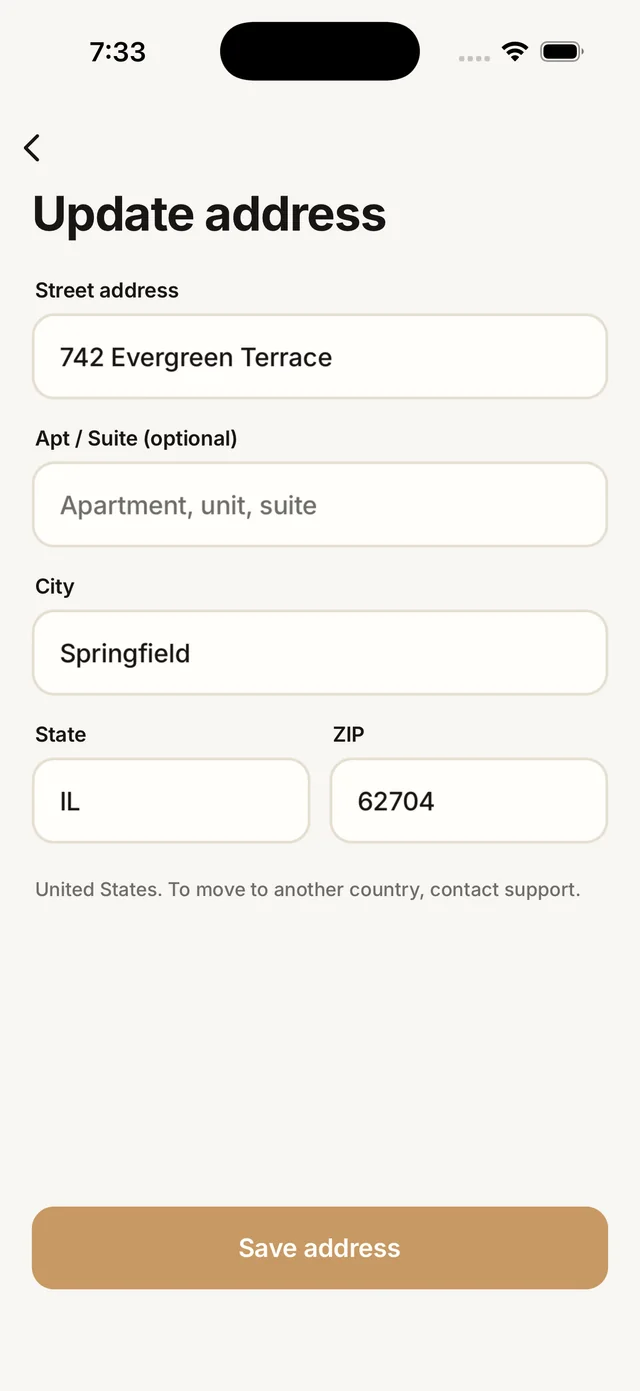
You will see Address updated, and Account details shows the new address right away. The address can only be changed within the United States; to move to another country, contact us from Get help on Home.

Still need a hand?
Our support team is available 24/7 by live chat or email, in English and 6 other languages.